
Live selling
Product talking points on cue
Keep features and answers in order while you show the item to camera.
Open teleprompterPaste your script, set the speed and record a take with no watermark, all in your browser.
How it works
Okay, quick update on the launch.
First, what changed this week,
then what I need from you.
Paste or import a talking-head draft. Estimate length, then open the prompter without leaving the tab.
Read the band near the lens instead of scanning the whole page.
Flip to record with the prompter still guiding you. Download your take, no watermark.
Teleprompter basics
A teleprompter shows your script as scrolling text so you can look into the camera while you speak. Online teleprompters put that scroll in the browser—under the lens, beside a window, or full-screen—so you keep eye contact without memorizing every line. Scrolvo is a free online teleprompter for creators: set a steady speaking pace, pause mid-take, and record in the same tab without leaving the page.
Uses
Script in view, eyes near the lens, one workflow.
Keep features and answers in order while you show the item to camera.
Open teleprompter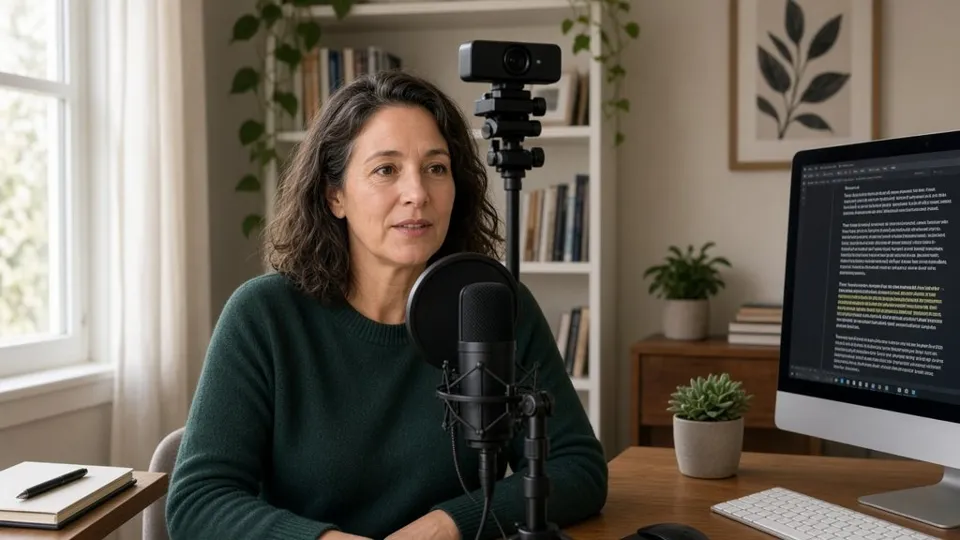
Follow the band through a module instead of a stack of notes.
Start recording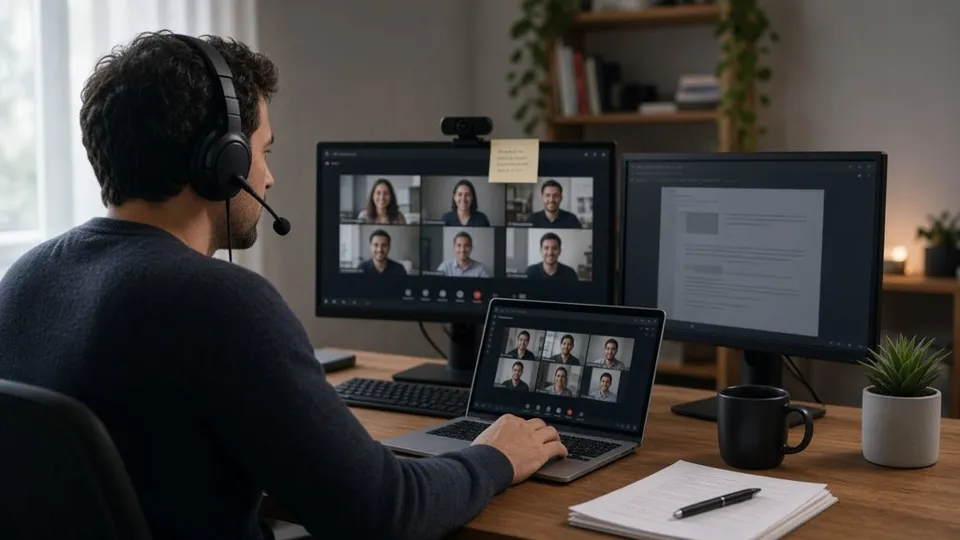
Talking points stay on screen while you look at camera on the call.
Teleprompter for Zoom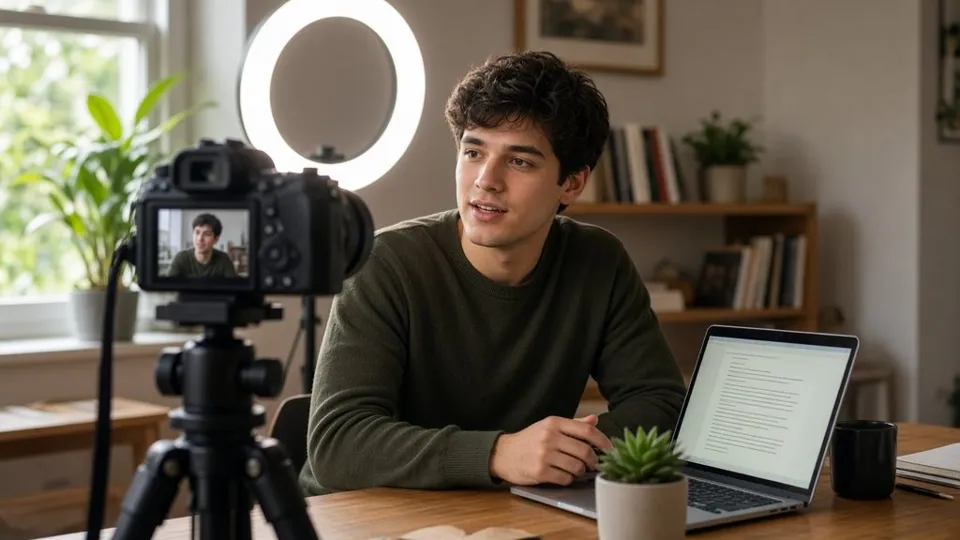
Keep the next line near the lens so you look at viewers.
Teleprompter for YouTubeFeatures
Capture the take while the prompter still guides you.
Core prompting and recording open without an account.
Drafts and exports live in the browser until you save, QR-share, or download.
Plug in when you need them, without hopping apps.
Browse toolsMirror the script, set font size and margins for your screen.
Set the reading band within 2 inches below your camera.
Drop the speed to 2, read once, then nudge it up until it sounds like talking.
Keep lines to 6–8 words so each one fits the band.
Leave a blank line wherever you want a pause.
Any screen
Open Scrolvo in any modern browser. No install—use the camera and screen you already have.
full keyboard shortcuts and same-tab recording
portrait or landscape scroll for talking-head takes
larger type and touch speed controls on set
script under the lens for natural eye line
Pricing
Prompting and watermark-free recording stay free — no signup.
What people say
“I stopped glancing down at my notes halfway through a take.”
“Recording the lesson in the same tab saves me a whole export step.”
“I can ad-lib a little and still find my place on the next line.”
“My talking points sit right under the webcam on client calls.”
FAQ
Yes. Nudge the WPM with the arrow keys or the speed control, or pause with Space—no wrestling a slider mid-take. Steady WPM scrolls the script at a fixed speed you set.
No. Core prompting and watermark-free recording open without signup. Accounts stay optional for extras—not a gate on the desk.
On your device by default. Drafts stay in the browser until you save, QR-share, download, or choose to publish a sync code / share (then a copy is held in this site’s server memory for about 2 hours, not in a database).
Templates, AI write (Grok), import/OCR, link extract, local convert, My Scripts, and QR control—so you can go from blank page to a usable take without hopping apps.
Yes. Core prompting and watermark-free recording are free without a paywall at the desk. Optional extras stay optional—you can start reading and recording right away.
Yes. Open the site in your phone’s browser. The script scrolls in portrait or landscape, and you can nudge speed or pause with on-screen controls.
Yes. Flip to same-tab recording with the prompter still guiding you. Export stays local—no forced cloud watermark on the take.
Yes. Mirror the script for glass or reflective setups so the text still reads left-to-right through the mirror.
Set a steady WPM before you start, then nudge mid-take with the arrow keys or the speed control. Space pauses so you never wrestle a slider mid-sentence.
By default your script stays only in your browser. It is sent to this site’s server only when you choose to publish a sync code or share—then it lives in server memory for about 2 hours, not in a database.